YolUp
Case study · 2026Teachers were running lessons across a video app, a messenger and a spreadsheet, and parents couldn’t see any of it. We built YolUp to put the whole lesson in one place.
Overview
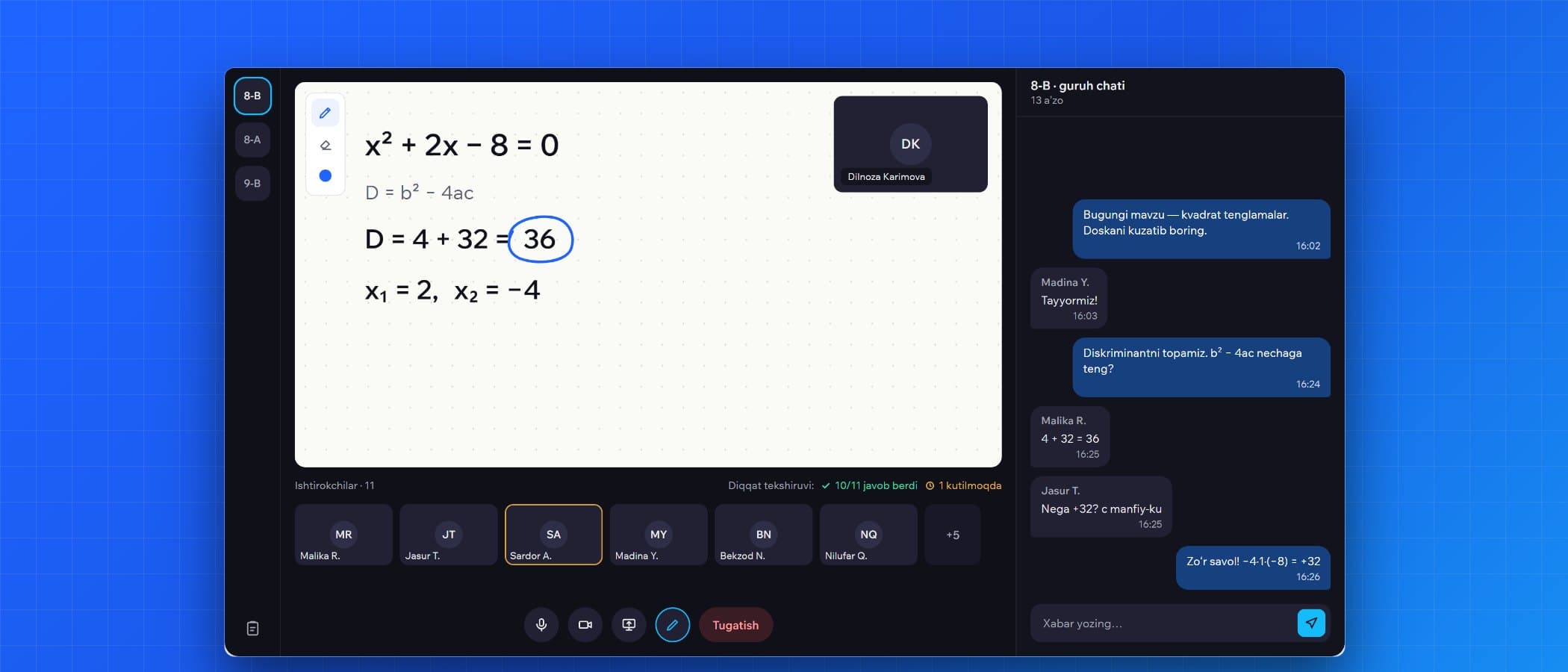
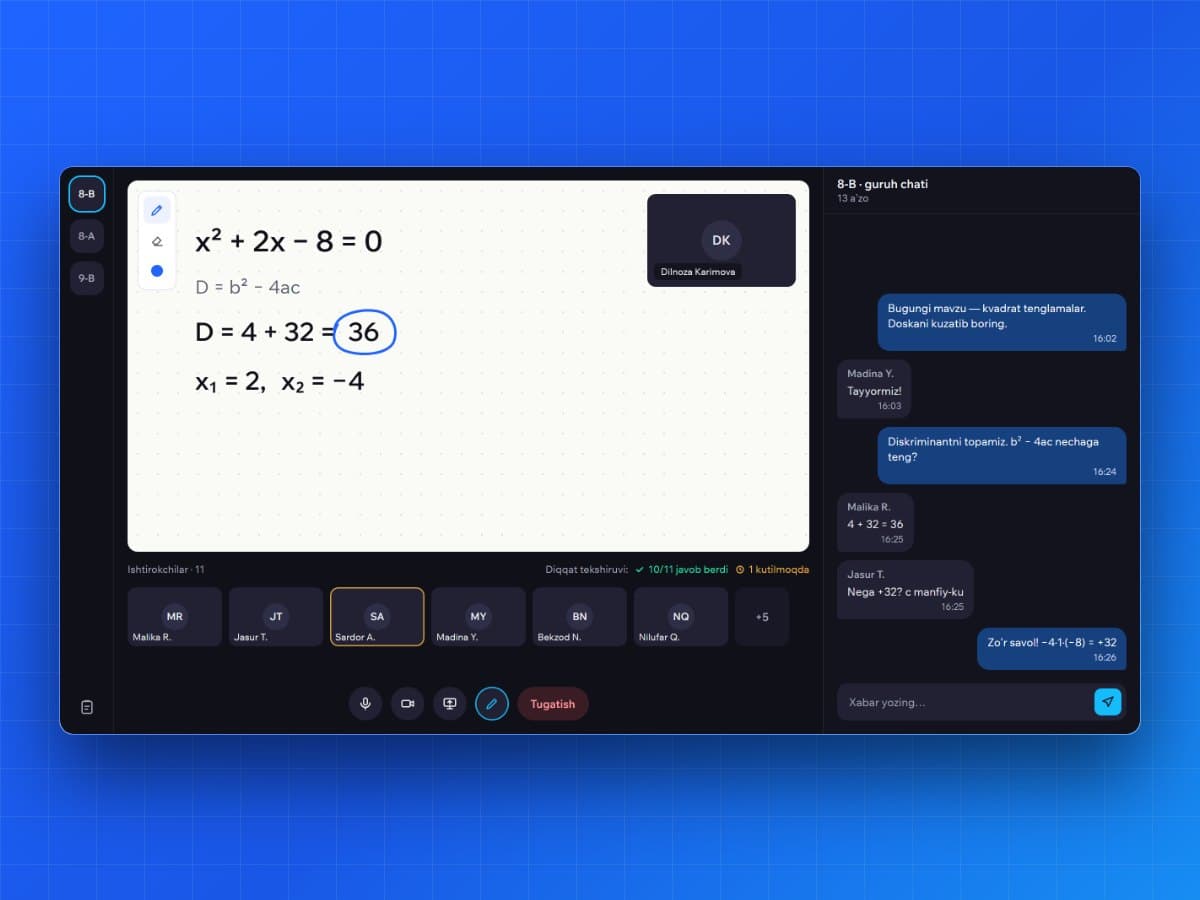
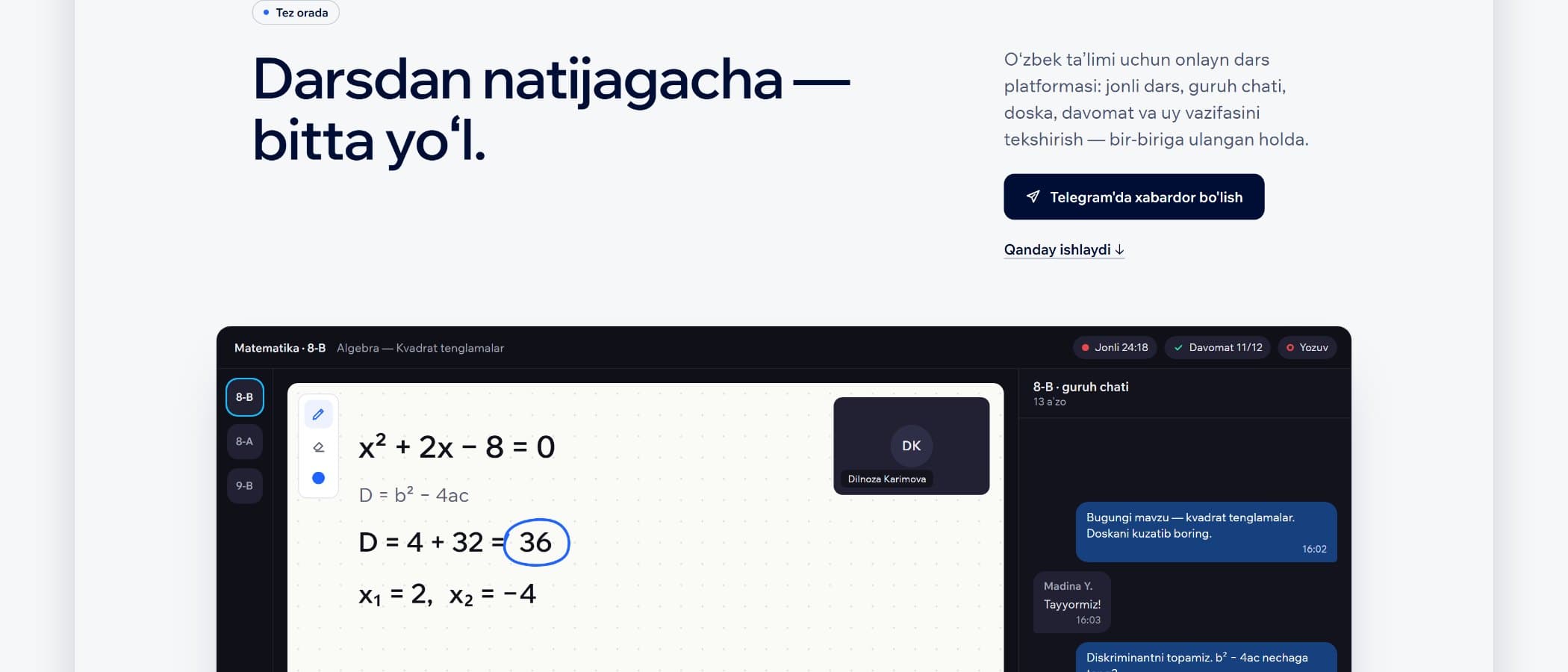
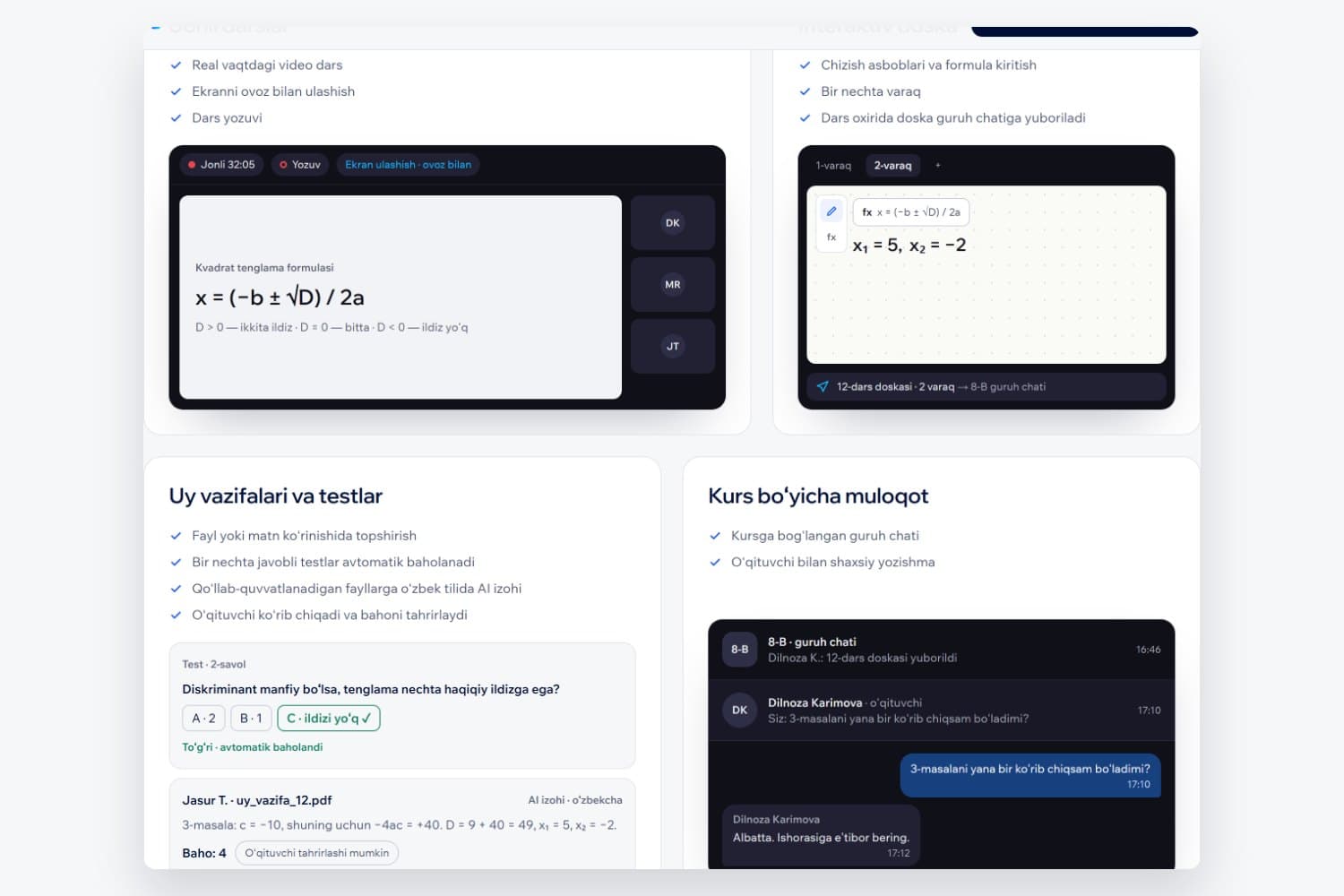
YolUp is an online lesson platform for schoolchildren in Uzbekistan. A teacher runs a live lesson with video and screen sharing, explains on a shared whiteboard with maths formulas, and talks to the group in the course chat. Homework is submitted as a file or photo and checked by AI in Uzbek, with the teacher able to review the grade. Attendance and attention are recorded automatically, and parents follow their child’s progress — with the child’s consent. We designed and built the web app for teachers, students, parents and admins, the iOS and Android app, the Django backend and the yolup.uz site.
The challenge
A typical online lesson meant a video call in one app, homework in a messenger and grades in a spreadsheet. Teachers spent time stitching tools together, and parents had no reliable way to know whether their child had attended, paid attention or done the work. YolUp had to replace that set of tools with one platform that works on a phone over an unstable mobile connection — in Uzbek first.
- C1
Live and interactive
Video, the whiteboard and chat all update in real time for a whole class at once.
- C2
Phones and weak networks
Many students join from a phone on 3G; the app goes to the background and the connection drops.
- C3
Children’s privacy
Monitoring needs consent: a parent links to a child only with the child’s approval, and recordings play only inside the platform.
Our approach — decision logDecision log
The lesson is the centre: video, board, chat, homework and attendance all hang off the same lesson and course. Below: the decisions that shaped the system, and what each one cost.The decisions that shaped the system, and what each one cost.
| No. | Decision | Why | Trade-off accepted |
|---|---|---|---|
| D1 | Self-hosted LiveKit for video instead of a paid video service. | Predictable cost per student and lesson data kept on infrastructure the client controls, with recordings saved automatically. | The team runs and monitors the media server itself. |
| D2 | Initial state over REST, then live events over WebSockets for chat, board and notifications. | Joining mid-lesson loads the board and chat in one request; after that only changes travel, which is light on a mobile connection. | Reconnects must re-sync the missed state, so the client reloads the latest page and merges it with its local cache. |
| D3 | Separate web and mobile codebases with a checked list of shared logic, instead of a monorepo. | The web and mobile build tools stay out of each other’s way, and a small team ships both independently. | Shared logic exists twice; a script checks that the copies stay in sync. |
- D1
Self-hosted LiveKit for video instead of a paid video service.
- Why
- Predictable cost per student and lesson data kept on infrastructure the client controls, with recordings saved automatically.
- Trade-off
- The team runs and monitors the media server itself.
- D2
Initial state over REST, then live events over WebSockets for chat, board and notifications.
- Why
- Joining mid-lesson loads the board and chat in one request; after that only changes travel, which is light on a mobile connection.
- Trade-off
- Reconnects must re-sync the missed state, so the client reloads the latest page and merges it with its local cache.
- D3
Separate web and mobile codebases with a checked list of shared logic, instead of a monorepo.
- Why
- The web and mobile build tools stay out of each other’s way, and a small team ships both independently.
- Trade-off
- Shared logic exists twice; a script checks that the copies stay in sync.
Solution and architectureArchitecture
React and React Native clients, a Django API with WebSockets, and a self-hosted video server.
The web and mobile apps share one API: REST for courses, lessons, homework and reports; three WebSocket channels for chat, the whiteboard and notifications. LiveKit carries video and records lessons; PostgreSQL stores the data and Redis carries real-time messages. AI homework checking runs on Google Gemini.
- Built by SwiftCore
- Existing or third-party system
- Single entry point for all clients
Technology
The tools in production on this project, and the reason each was chosen over the alternatives.
Frontend
- React
- TypeScript
- Vite
- TanStack Query
- Zustand
- Tailwind CSS
- React Native (Expo)
React · TypeScript · Vite · TanStack Query · Zustand · Tailwind CSS · React Native (Expo)
A web app for four roles and a mobile app for students and teachers, both in Uzbek, Russian and English.
Backend
- Python
- Django
- Django REST Framework
- Django Channels
Python · Django · Django REST Framework · Django Channels
One permission table for every role, an audit log and soft delete — rules that matter when the users are children.
Data
- PostgreSQL
- Redis
PostgreSQL · Redis
Infrastructure
- LiveKit
- Docker Compose
- Caddy
- Vercel
LiveKit · Docker Compose · Caddy · Vercel
Quality and tooling
- TypeScript
- ESLint layer rules
- Three languages: uz, ru, en
TypeScript · ESLint layer rules · Three languages: uz, ru, en
Inside the product
Results
Outcomes are still being measured.
We publish numbers only after they’ve been measured over a full period and approved by the client. Until then, here is what changed:
- A lesson’s video, whiteboard, chat, homework and attendance live in one platform instead of three tools.
- Homework is checked by AI in Uzbek, with the teacher reviewing the grade.
- Parents see attendance and progress — only with the child’s consent.